Mobile App Development

Keep fieldwork moving offline.

A technician can finish a visit in a basement with no signal. We design mobile journeys that retain the work, explain its status and recover when the connection returns.

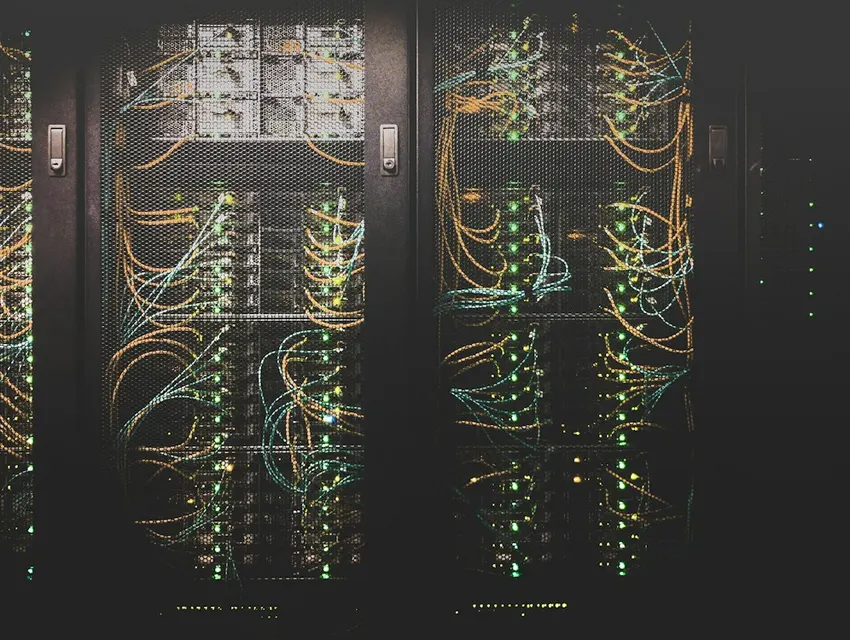
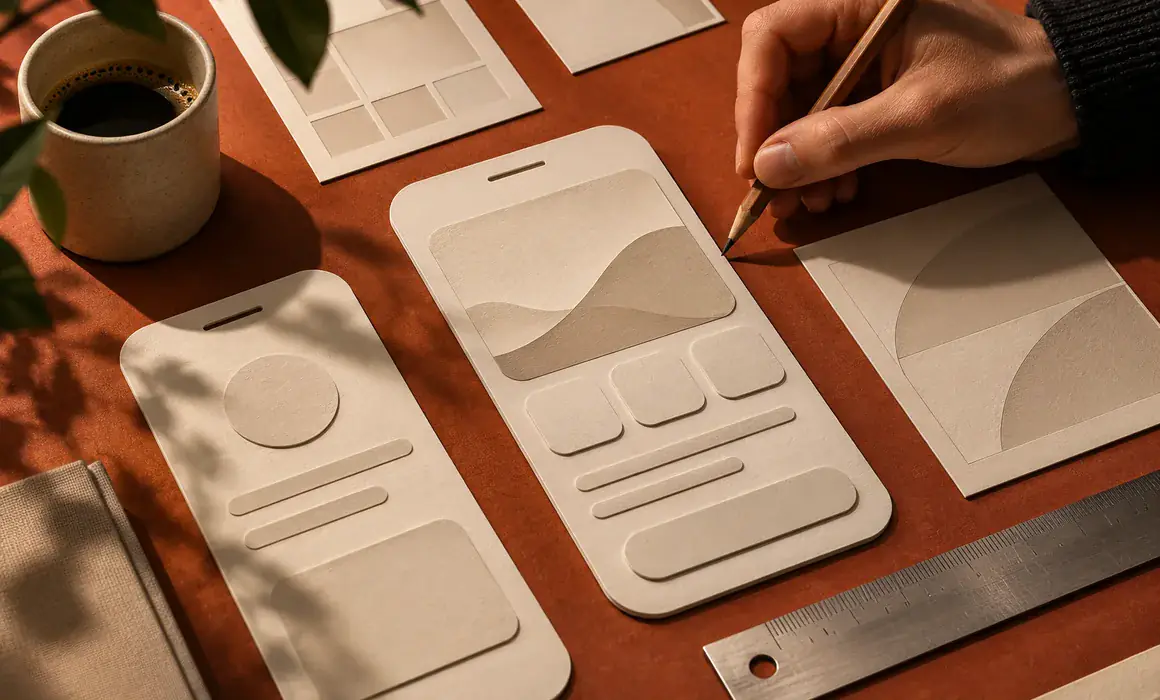
A designer arranging mobile interface prototypes on a work surface

Example workflow

Complete a field visit with an unreliable connection

Field visit
Saved on device
Visit
Equipment inspection
Attachment
Inspection photo
Connection
Offline
Save

Let the technician finish the record.

Store the visit notes and photo on the device and show that the draft is saved locally. Closing the app should preserve the work.

Field visit
Saved on device
Visit
Equipment inspection
Attachment
Inspection photo
Connection
Offline
Sync

Resume without submitting twice.

When the network returns, retry the queued record with the same submission identifier. Keep the technician informed while the attachment transfers.

Field visit
Sending
Submission
Original visit ID
Attachment
Upload in progress
Retry
Safe to resume
Confirm

Distinguish a local save from delivery.

Replace the pending state only after the server acknowledges the visit. The dispatcher and technician can then refer to the same completed record.

Field visit
Received by dispatch
Visit record
Acknowledged
Dispatcher
Report available
Device queue
Cleared

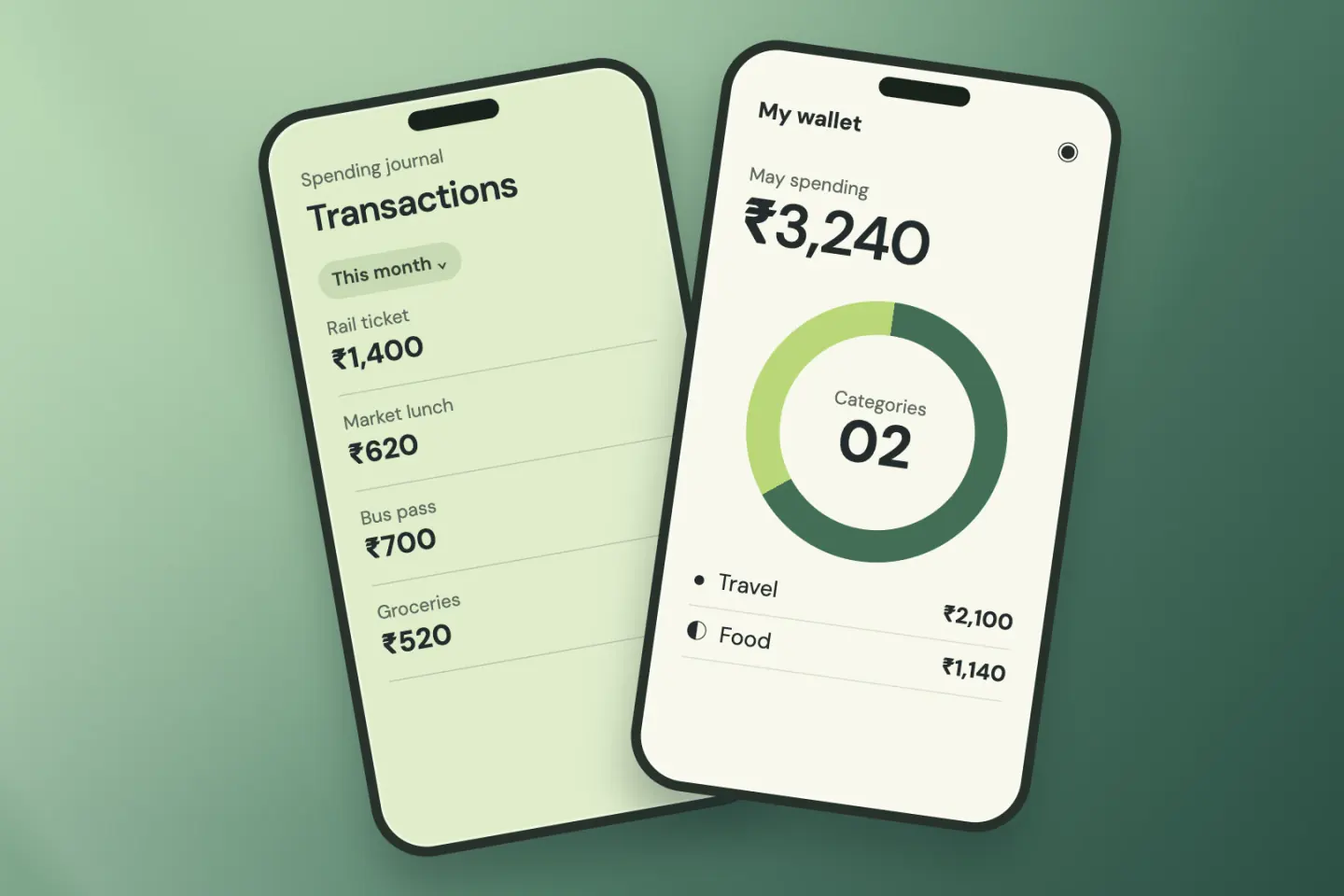
Fintech Mobile App

A mobile spending journal that makes everyday transactions easier to understand.

Explore the project
Two mobile screens connect a monthly spending breakdown with the four transactions behind it

Planning the engagement

Discuss your project
What should we bring?

Bring a screen recording of the current process, a list of systems it touches and an example of an exception your team handles manually.

How do we agree scope?

Agree who owns the data, which systems must remain live during rollout, and how the team will monitor and recover the release.

Industries we work with

Technologies we use

Mobile04 / 09

Mobile

A partner can update a trip, attach a photo and reply to a traveller from a phone. We build those flows and test the native permissions they depend on.

  • Flutter
  • React Native
  • Android
  • Kotlin
  • Swift
  • Xcode
  • Gradle

From discovery to handover

  1. Discover

    Map the business problem, the people it affects and the constraints. Agree on what a good outcome looks like.

    A prioritised brief, dependencies and an agreed first release.
  2. Design

    Turn key journeys into a working prototype. Test the important decisions before writing production code.

    A prototype, decision log and handoff notes for the core states.
  3. Develop

    Build in small releases. Review working features together and check accessibility, reliability and performance.

    Working increments, test evidence and a release candidate.
  4. Launch & grow

    Plan the rollout, monitor the product and use real feedback to decide what to improve next.

    A rollout checklist, named owners and a review of the first signals.

Project questions

Which devices and network conditions do you test?

Agree the device range from the people who will use the app. Include slow connections, interrupted sessions, denied permissions and retries in the acceptance checks.

Can we start with just one service?

Yes. Bring a defined task, like redesigning a checkout or connecting two systems, or ask us to help scope a larger programme.

What should I include in my enquiry?

Tell us who the product serves, what needs to change, what you already have and when you want to launch. A rough budget helps us suggest an appropriate scope.

Download project worksheets

Contact Trvios

Bring us your project.

Tell us who it serves, what needs to change and which decision you want help making.

Contact details
  1. 1The brief
  2. 2Your details
  3. 3Review

What would you like to build?

Timing and budget Optional

Ask Trvios

Trvios Digital studio guide

What are you working on?

Start with a quick question or write directly to the team.